
Printing guide
How to Print a Large Poster on Regular Paper
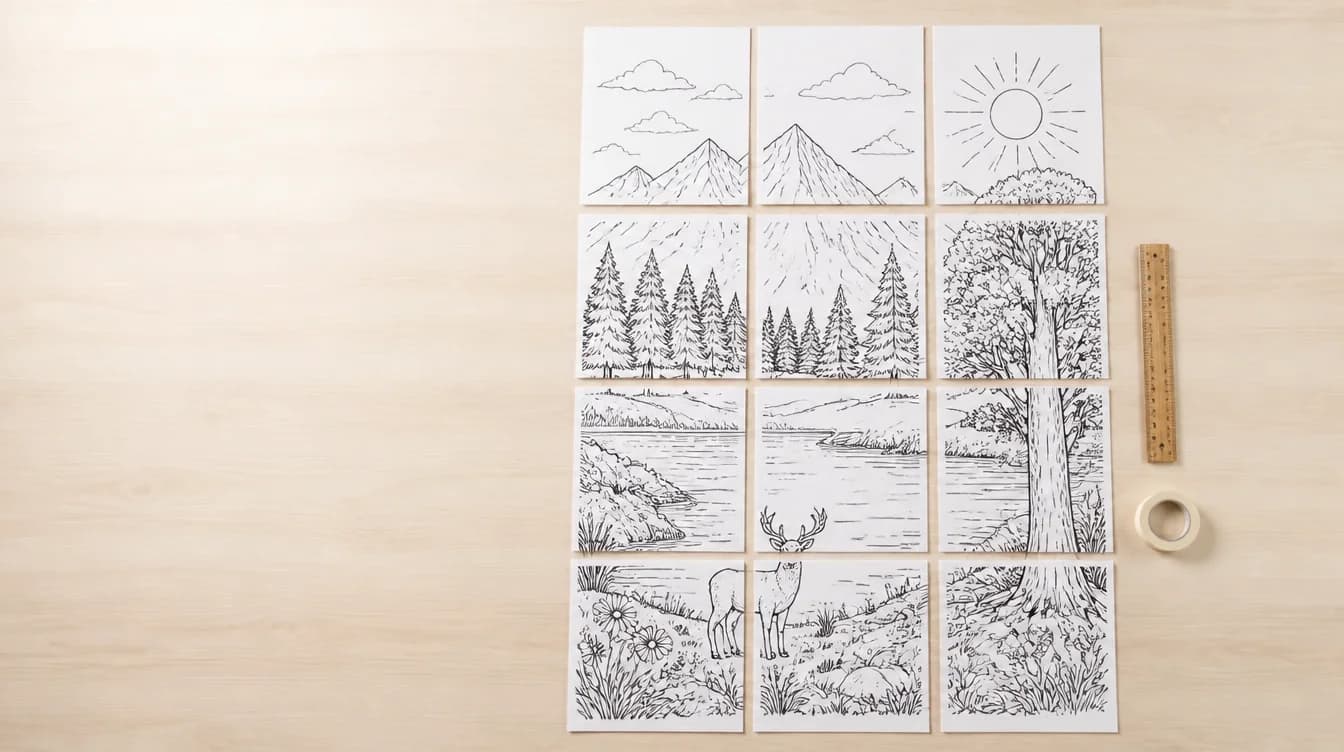
A standard printer cannot print one wall-sized page, but it can print a set of smaller tiles. Tiled poster printing divides the source design into sheets that are assembled after printing.
Updated June 12, 2026
Understand poster size and paper size
Paper size describes each printed tile, such as US Letter or A4. Poster size describes the assembled result. Adding more columns or rows increases the final dimensions and total page count.
Start with a suitable source file
Use the highest-quality PNG, JPG, or PDF available. A small image can look soft when enlarged across many pages. Text and thin lines should be checked at the intended size.
Choose the grid and quality
Select the number of sheets based on available wall space and printer paper. Standard Split preserves the source artwork without enlarging it. Use Upscale when black-and-white line art needs a cleaner 300 DPI result.
- Preview page boundaries
- Confirm orientation and aspect ratio
- Check the total page count
- Print one test page when quality is uncertain
Print and assemble accurately
Print at the intended scale without an extra fit-to-page transformation unless the file instructions require it. Lay out the sheets before trimming or attaching them so page order errors are easier to correct.
Related resources
Prepare a tiled poster PDF
Choose the regular paper size and preview every page before exporting.
Open the poster splitter