
Keep designing in Canva
Use Canva for layout and artwork, then move only the finished file into PosterCutter.
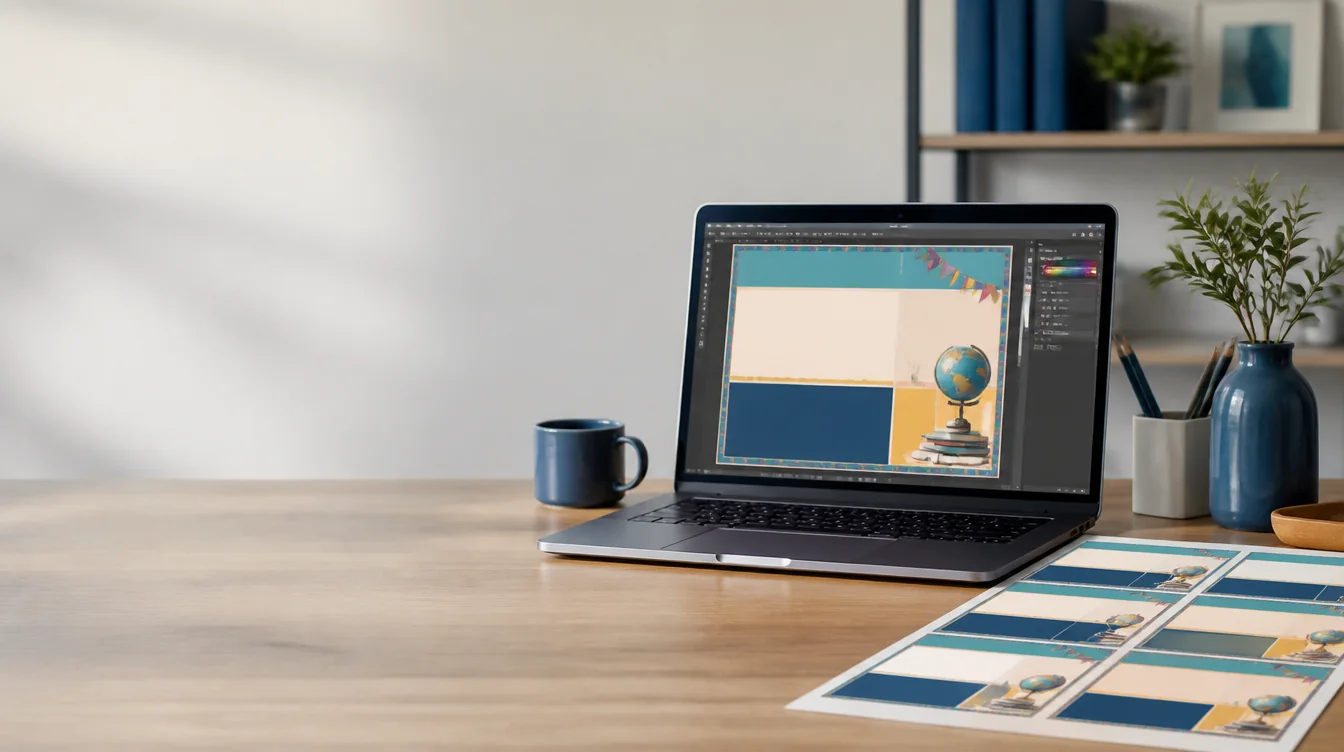
Canva workflow
Design in Canva, then use PosterCutter for the print workflow. Export the finished design as PNG, JPG, or PDF and divide it into a consistent grid of printable classroom pages.
Why it helps
Use Canva for layout and artwork, then move only the finished file into PosterCutter.
Generate every tile from one grid instead of copying and cropping the design page by page.
See the complete design and its page boundaries before exporting.
Create tiled PDFs for classroom printing or inclusion in a seller product package.
How it works
Confirm the final aspect ratio, text placement, and image quality.
Export from Canva as PNG, JPG, or PDF.
Choose a grid and paper size for the individual printed sheets.
Download the pages and test-print the assembled layout.
For teachers
For sellers
FAQ
No direct connection is required. Download the finished Canva design and upload the exported file.
PNG is useful for image-based designs, while PDF can be useful for print-focused files. PosterCutter also accepts JPG.
Standard Split preserves the source artwork without upscaling. Start with a high-quality Canva export, or use Upscale for black-and-white line art.
You may use the export commercially when you have the required rights and licenses for every design element.
Bring your finished design into a print-focused grid and export classroom-ready pages.
Upload a Canva design