
Split
Turn one design into a tiled poster PDF with configurable page size, grid, quality, and assembly options.
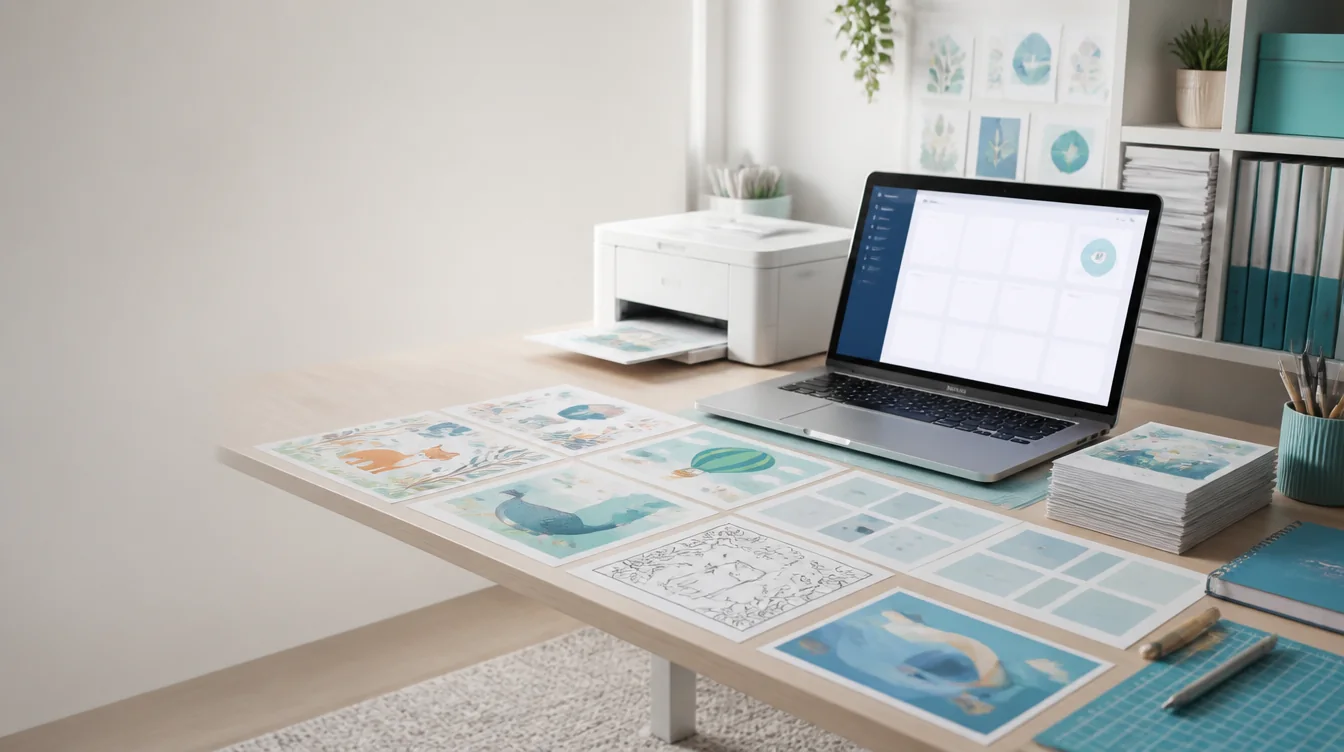
Seller workflow
PosterCutter connects three practical stages of a teacher-seller workflow: split artwork into printable pages, improve suitable product images, and draft listing content from accurate resource details.
Why it helps
Turn one design into a tiled poster PDF with configurable page size, grid, quality, and assembly options.
Improve suitable printable artwork before exporting it in the available image or document format.
Generate an editable title, description, keywords, tags, and short thumbnail text ideas.
Review public classroom resources and product structures without hiding preview content behind authentication.
How it works
Prepare the artwork, worksheet, slides, cards, or printable activity.
Use Split or Upscale where those tools match the product structure.
Confirm the page count, dimensions, format, color mode, grades, and subjects.
Generate content, verify every claim, and prepare marketplace thumbnails.
For teachers
For sellers
FAQ
No. Use only the workflow that fits the product. A Google Slides resource may need AI Listing but not poster splitting.
The Explore catalog and resource guides can support research, but product decisions should come from real teacher needs and your own expertise.
Commercial use depends on your plan and your rights to all uploaded content. Review the current pricing and terms.
No. Use marketplace search data, customer questions, and your own sales history alongside the tools.
Start with the PosterCutter tool that matches the product you are preparing today.
Create an account