
Line-art enhancement
Clean up suitable black-and-white coloring pages and printable outlines before larger-format output.
Printable image upscaler
See how your original image holds up at print size. Then open Upscale to process black-and-white artwork and inspect the enhanced result before export.
Local preview only. PNG, JPG, or WebP; the full tool checks plan limits and artwork suitability.
Source preview
Example printable artwork
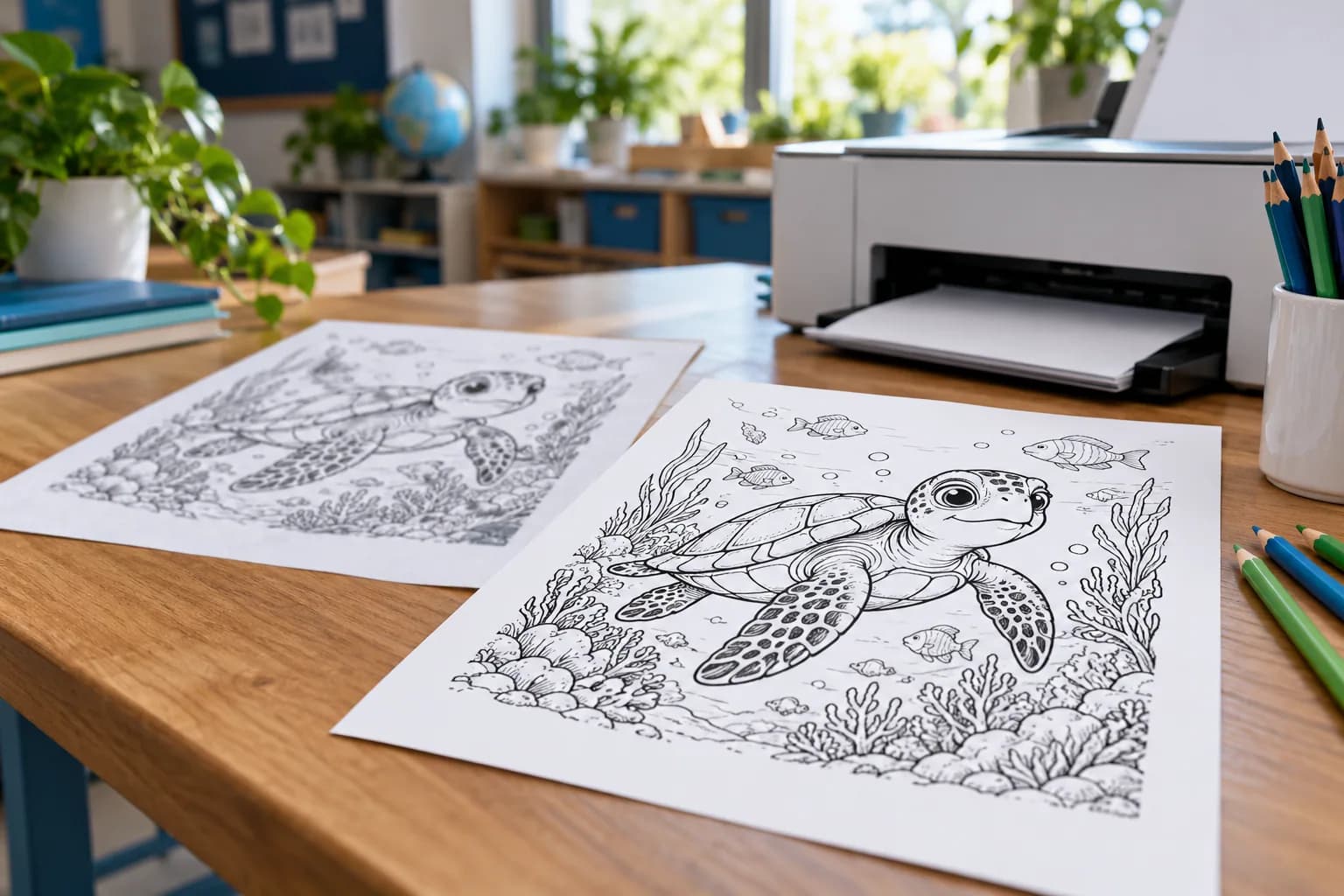
Example artwork. Upload yours to inspect its source dimensions.
Files
PNG, JPG, WebP
Artwork
Black-and-white line art
Batch
Up to 10 files
The finished result
Small or compressed coloring pages can look soft at print size. Inspect the source, then use PosterCutter to enhance eligible black-and-white artwork and review the result before export.
Clean up suitable black-and-white coloring pages and printable outlines before larger-format output.
Inspect image dimensions and zoom into the original before processing; enhancement cannot restore every missing detail.
Increase small source dimensions when needed so the exported file is more useful for print production.
Process plan-eligible file batches, then combine them as a PDF or download separate files in a ZIP.
A print-first workflow
Compare the source with the enhanced version at the intended paper size. Fine details and heavily compressed artwork still need a human check.
Best starting point: the cleanest original black-and-white PNG, JPG, or WebP you have
What you get
Line-art enhancement
Larger printable dimensions
PNG, JPG, PDF, SVG, or batch output
How it works
Add one image or a supported batch of black-and-white PNG, JPG, or WebP files.
PosterCutter checks whether the artwork is suitable black-and-white line art.
Inspect the original and enhanced versions before committing to the export.
Download the selected format or package multiple results together.
Questions
For printable sellers, worksheet creators, teachers, and educational illustrators
Not in the current Upscale tool. It accepts black-and-white line art and rejects colorful images before processing.
Vectorization is available for eligible black-and-white artwork and plan access. It is not applied to colorful images.
The Upscale tool accepts PNG, JPG, and WebP images within the upload and pixel limits of the current plan.
Yes. Batch limits are based on plan: currently up to 2 files on Free, 5 on Pro, and 10 on Business.
No. Enhancement can improve a usable source, but it cannot recreate every detail missing from a severely compressed or damaged image. Always inspect the result before selling or printing it.
Upload the artwork, inspect the enhancement, and export a cleaner file for print or digital delivery.
Upscale printable art