
One design, many student pages
Choose a grid that matches your class size and divide the artwork into clearly ordered sections.
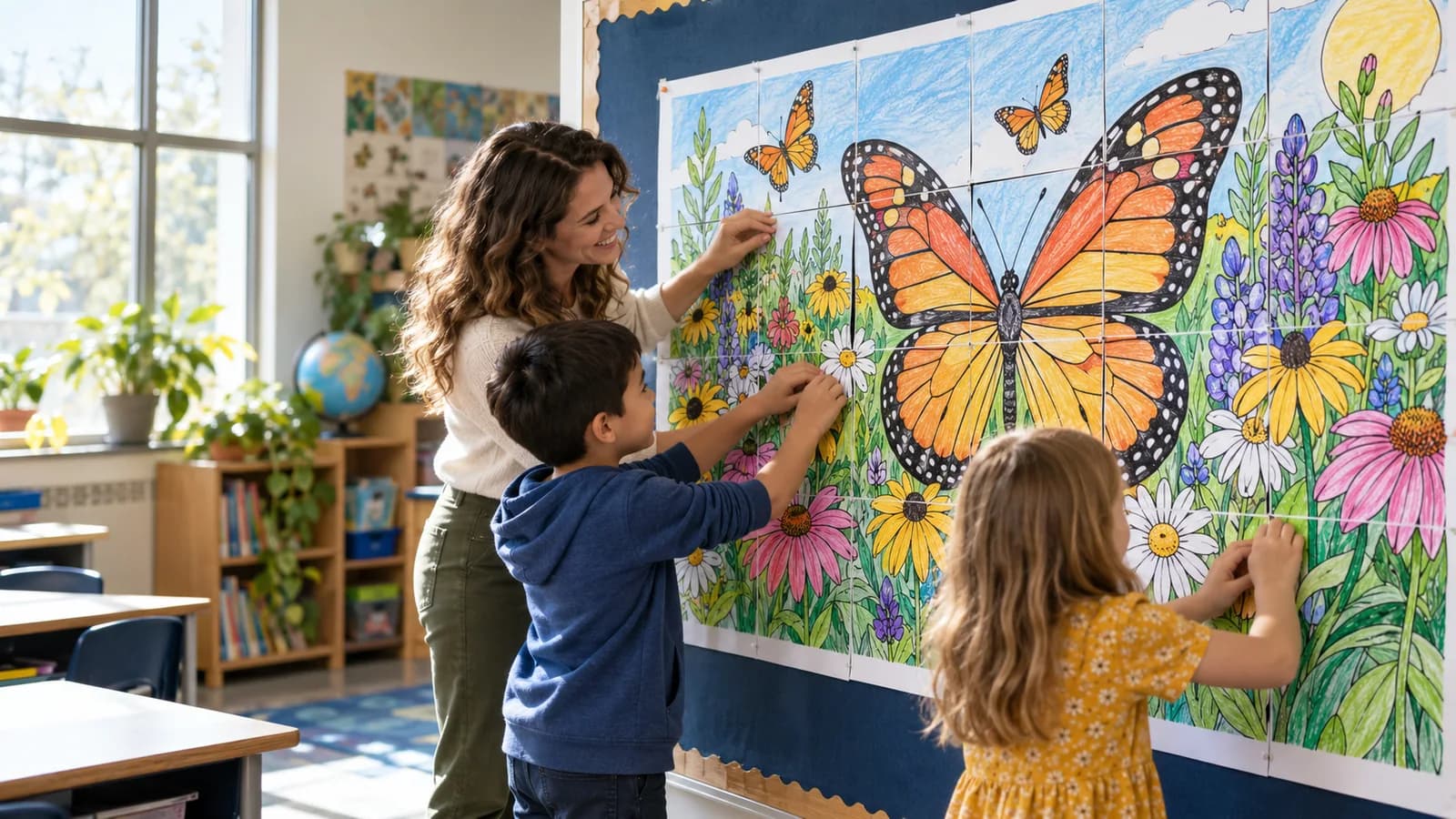
PosterCutter for classrooms
Upload your artwork, choose how many students will take part, and export numbered pages that come together as one classroom mural.
Why it helps
Choose a grid that matches your class size and divide the artwork into clearly ordered sections.
Check the complete poster and grid placement before using paper, ink, or classroom time.
Add page labels and cut guides when students need extra help sorting and aligning their pieces.
Prepare collaborative poster products with consistent page sizes, print settings, and finished dimensions.
How it works
Add a PNG, JPG, or PDF that you own or have permission to use.
Set the columns and rows based on the desired poster size or number of student pages.
Select paper size, labels, guides, and optional cover-page settings.
Download the printable pages, distribute them, and combine the finished pieces.
For teachers
For sellers
FAQ
A collaborative poster is one large image divided into smaller pages. Students complete individual pages and assemble them into the final display.
The available page count depends on your selected grid and plan limits. The preview shows the total before export.
Yes. Choose a grid with enough tiles for your class, then print and assign the pages.
Yes. Black-and-white coloring pages work well for collaborative posters and classroom murals.
Upload a design, choose the student-page grid, and preview the complete classroom mural.
Start creating