
Fit the classroom space
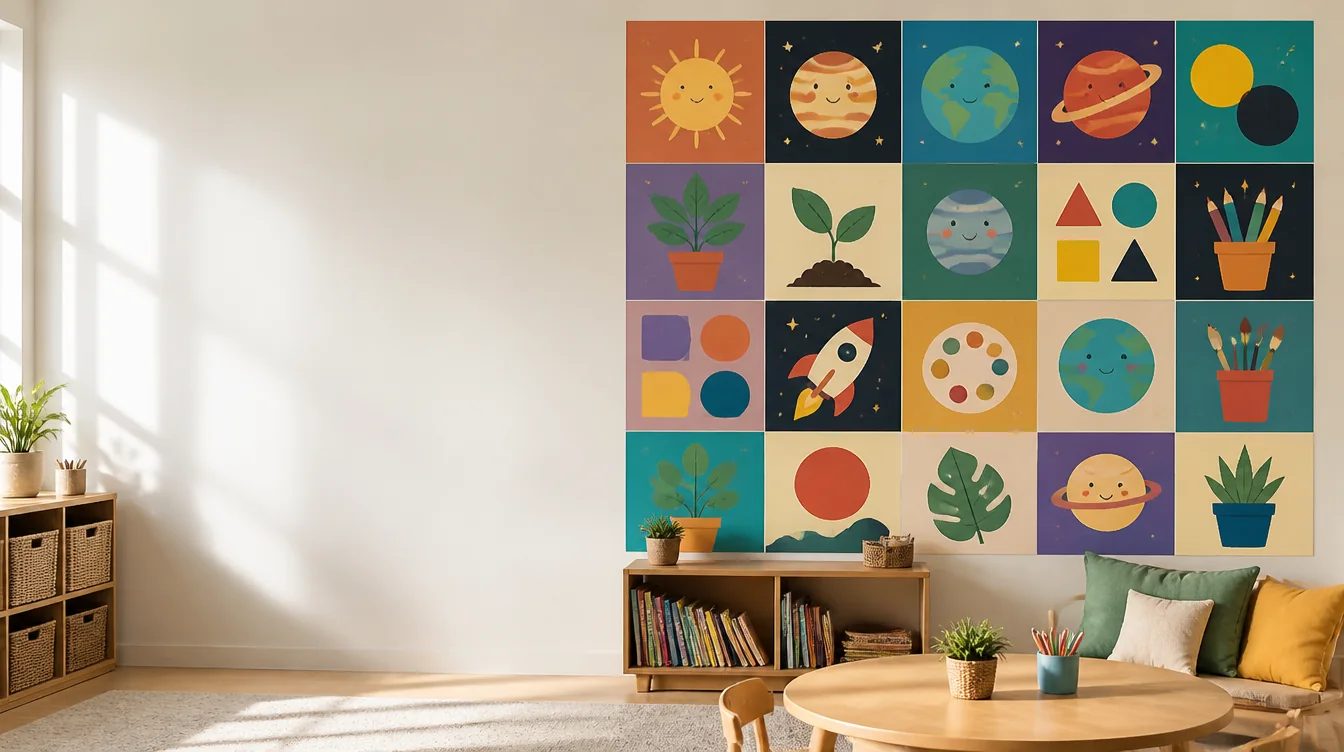
Use a smaller grid for a reading corner or more pages for a wall-sized display.
Teacher resources
Prepare classroom posters without being limited to one printer page. PosterCutter helps teachers turn completed designs into larger learning displays, student projects, and print-ready classroom decor.
Why it helps
Use a smaller grid for a reading corner or more pages for a wall-sized display.
Turn the poster into a group activity by assigning pages for coloring, writing, or decorating.
Use the preview and optional labels to show where every page belongs.
Apply similar settings to seasonal, subject-based, and school-event designs.
How it works
Start with a finished illustration, chart, sign, or activity page.
Choose the grid based on wall space and the number of pages you want.
Select the paper size and print quality for each tile.
Assemble the poster directly or involve students in completing the pages.
For teachers
For sellers
FAQ
Yes. The splitter works with designs for reading, math, science, social studies, art, and other classroom topics.
Yes. Use line art, writing prompts, or decoration tasks on the individual pages.
Yes. Export the tiled poster as a PDF and keep it for future classes when your content license allows reuse.
Explore includes public resources, and the split tool also lets you upload your own finished design.
Choose a design and turn it into printable pages sized for your teaching space.
Create a classroom poster