
Design for the available board
Choose a grid that fits the display area instead of relying on one fixed poster size.
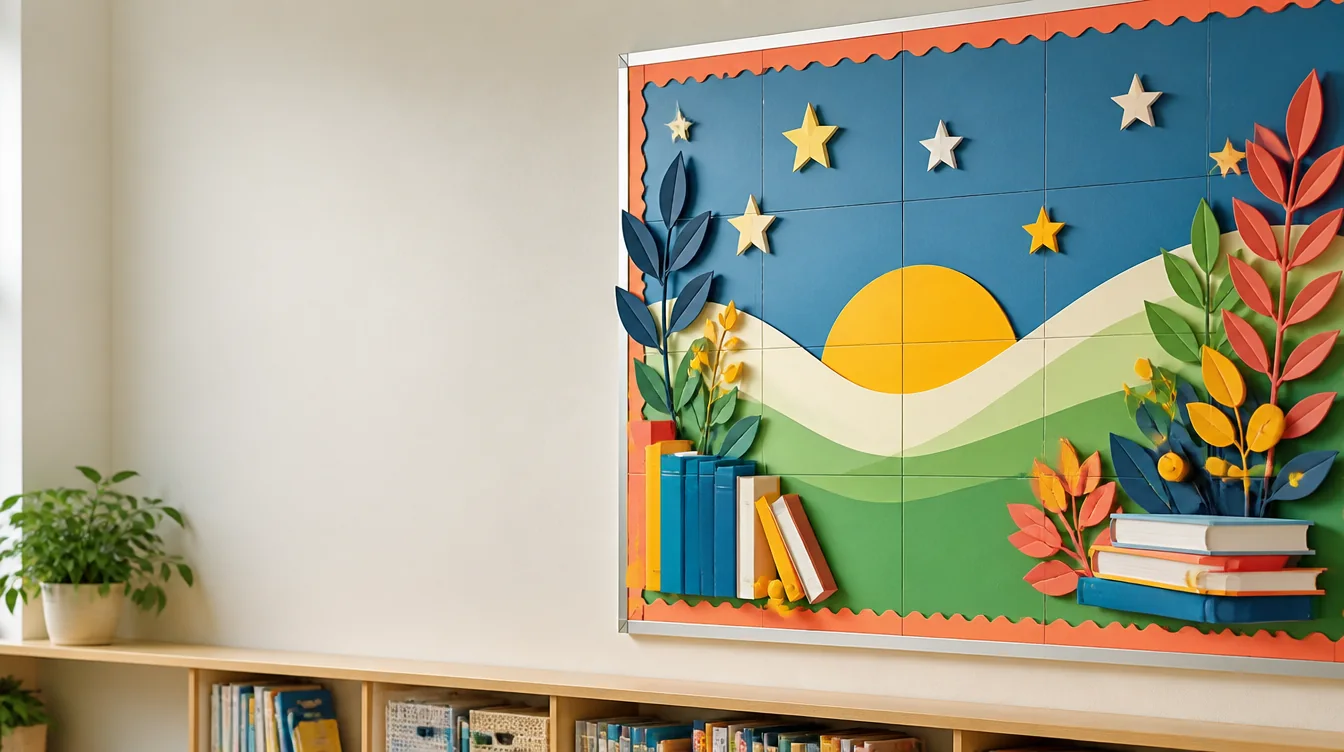
Classroom displays
Scale a finished classroom design beyond one sheet of paper. PosterCutter divides the artwork into a predictable grid so you can prepare larger bulletin board titles, seasonal visuals, learning displays, and collaborative decorations.
Why it helps
Choose a grid that fits the display area instead of relying on one fixed poster size.
Print finished color artwork or use line art as a collaborative activity.
Inspect the page grid and add labels or guides when the display has many tiles.
Prepare related posters, headers, and activity displays with consistent print settings.
How it works
Estimate the finished width and height available on the board.
Use the complete poster artwork rather than separately cropped pieces.
Set the individual sheet size and adjust columns and rows to suit the board.
Print, trim if required, align the pages, and attach the assembled display.
For teachers
For sellers
FAQ
Consider the paper dimensions, desired assembled size, and available board space. The total page count is columns multiplied by rows.
Yes. Review the grid boundaries to make sure important text remains readable across page joins.
The split tool includes optional first-page settings for supported export workflows.
Yes. Use line art or page-specific tasks so students contribute to the finished bulletin board.
Upload the design, match the grid to your board, and export the printable pages.
Make a bulletin board poster