
Classroom project guide
How to Make Collaborative Posters for the Classroom
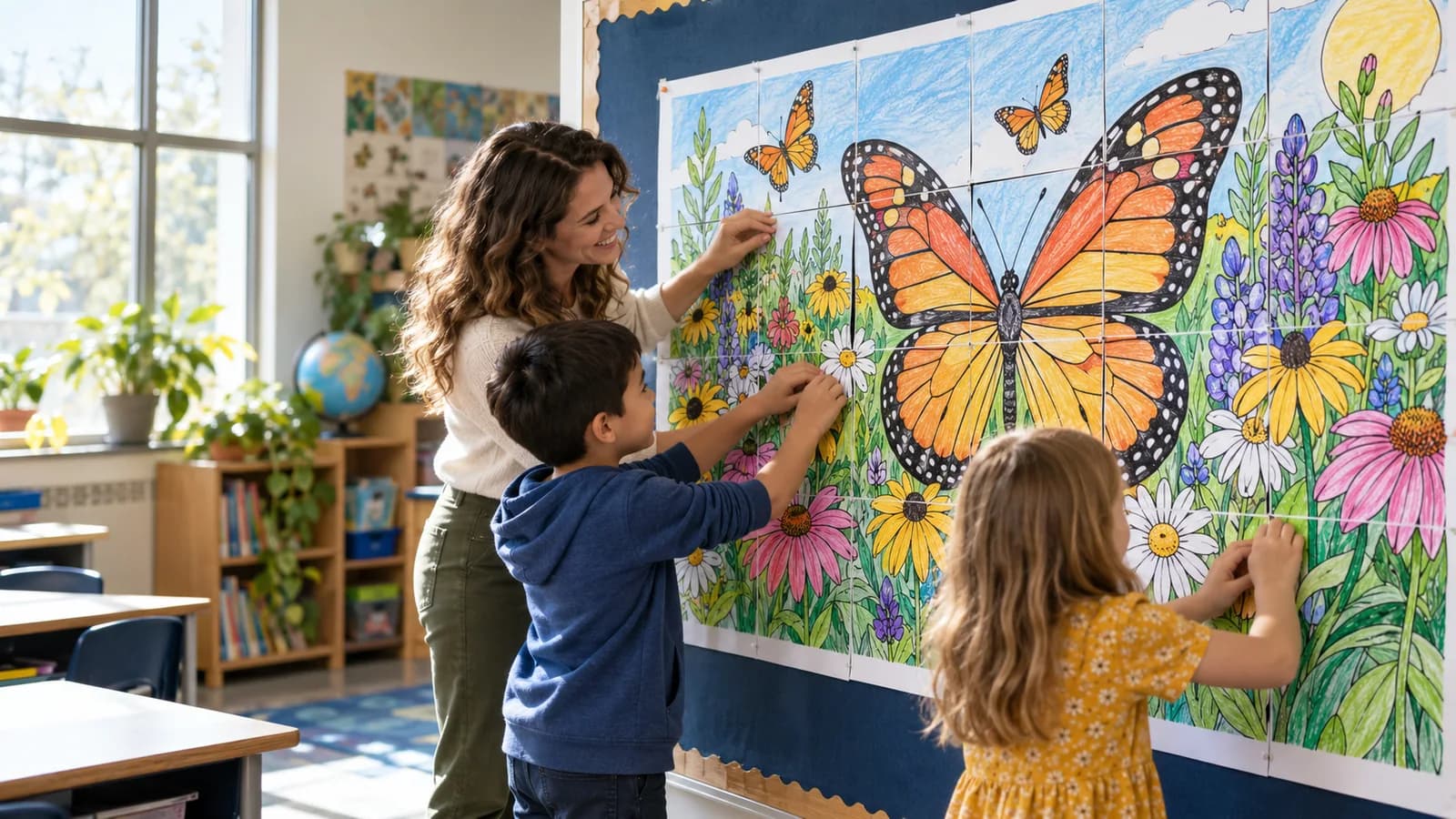
A collaborative poster turns one large design into a shared class project. Each student completes a smaller section, and the class combines those sections into the final image. The process works best when the file, page count, instructions, and assembly plan are decided before printing.
Updated June 12, 2026
Choose a design that works when divided
Use artwork with clear shapes, readable outlines, and enough open space for coloring or writing. Very small details may become difficult for students once the design is divided into many pages.
Check that you own the artwork or have permission to use it, especially when the finished file will be shared or sold.
- Simple line art for younger students
- Subject-based illustrations for unit displays
- Seasonal designs for classroom decor
- Writing prompts placed inside larger shapes
Match the grid to the class
The number of columns multiplied by the number of rows equals the number of poster tiles. A 5 by 5 grid creates 25 pages. You can assign one page per student, let partners share pages, or keep extra sections for absent students.
The paper size applies to each printed tile. The assembled poster becomes larger as you add columns or rows.
Prepare clear student instructions
Tell students which materials to use, whether backgrounds should be colored, and where names should be written. Consistent instructions make the assembled design feel intentional while still allowing individual choices.
Page labels are useful when many similar pieces must be returned and sorted.
Assemble the finished poster
Lay the pages on the floor or a large table before mounting them. Start with one complete row, check the page order, and then attach rows together. A backing sheet can make the final display easier to move.
Photograph the assembled result only when student privacy and school policies allow it.
Prepare the student pages
Upload the complete design and preview the exact classroom grid before printing.
Make a collaborative poster