
Use files you already have
Upload a PNG, JPG, or PDF from your design workflow instead of rebuilding the poster.
Print-ready output
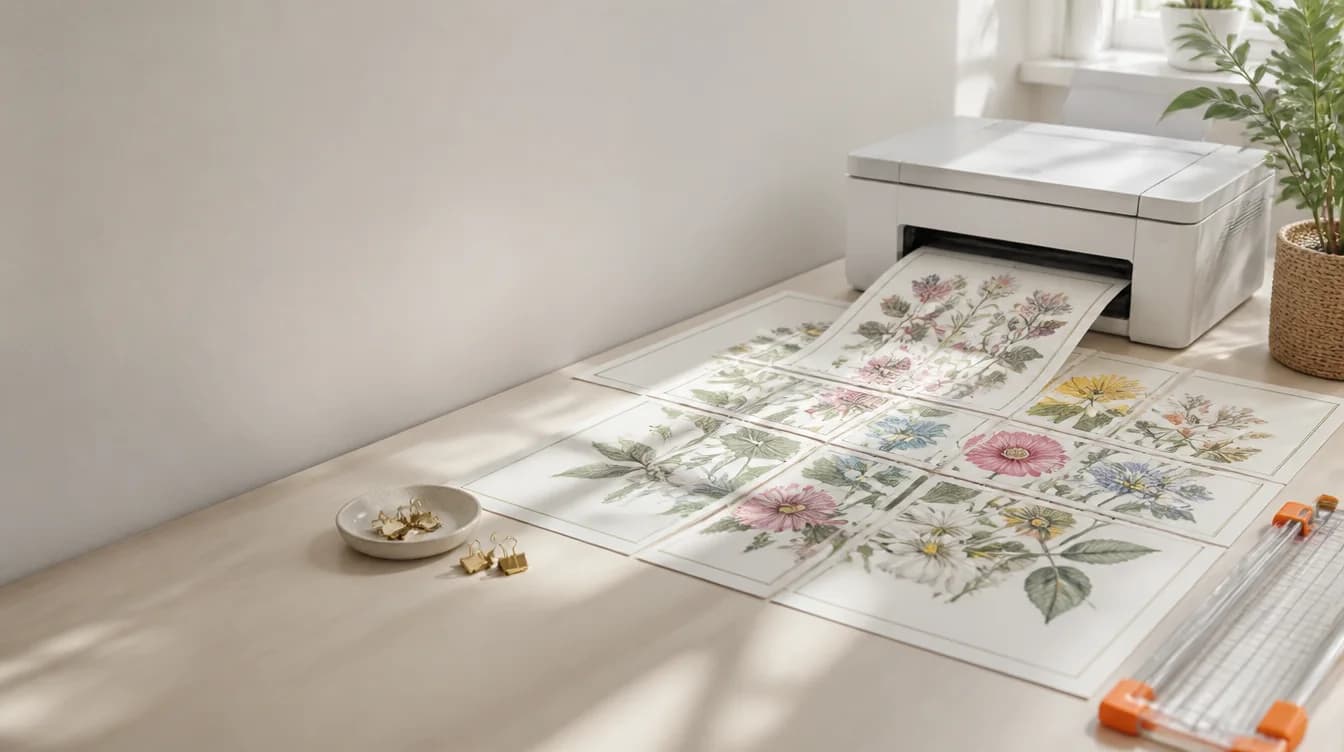
PosterCutter converts a single design into tiled pages that can be printed on standard classroom paper. Control the poster grid, paper size, output format, and quality without manually cropping every section.
Why it helps
Upload a PNG, JPG, or PDF from your design workflow instead of rebuilding the poster.
Select US Letter or supported A-series paper for the individual tiles.
Standard Split preserves the source artwork; Upscale produces cleaner black-and-white line art at 300 DPI.
Create a combined PDF or other supported tiled output for printing and distribution.
How it works
Export your final design as PNG, JPG, or PDF.
Choose how many printed sheets should make up the final poster.
Define the size of each tile and the resolution needed for the project.
Export, print at the intended scale, and assemble the sheets.
For teachers
For sellers
FAQ
Yes. PosterCutter divides the design into pages sized for a regular printer. The pages are assembled after printing.
The preview preserves the source aspect ratio while applying the selected grid and page dimensions.
Yes. PDF is available for tiled poster exports.
The split workflow accepts PNG, JPG, and PDF files.
Start with your finished design and choose the exact page grid you want to print.
Open the split tool