
Resource-aware defaults
Format, size, paper, quality, and color fields adapt to the selected product structure.
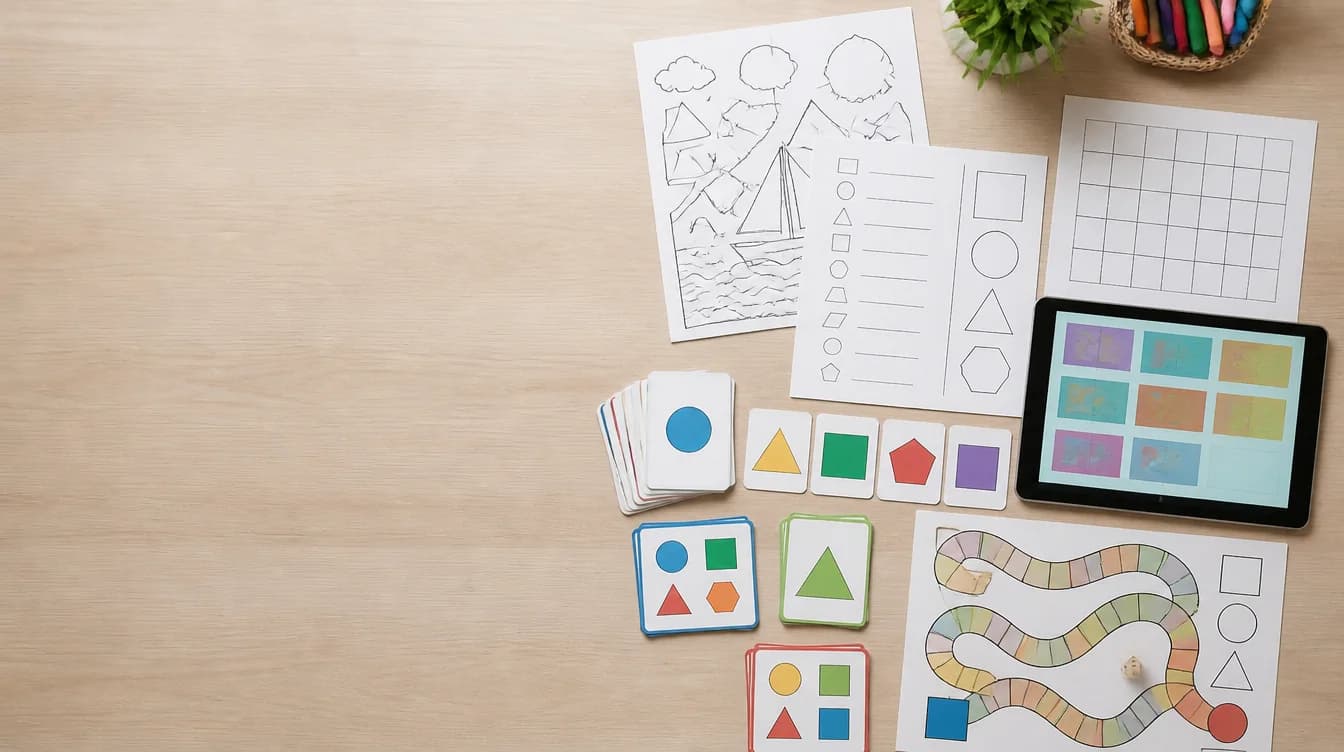
Flexible educational products
Create a structured marketing draft for the kind of resource you actually made. The form changes product details by resource type so a Google Slides deck is described differently from a printable poster, worksheet, or flash-card set.
Why it helps
Format, size, paper, quality, and color fields adapt to the selected product structure.
Describe printable PDFs, digital slides, card sets, classroom games, and mixed bundles.
Generate copy for what is included, product details, best uses, skills, themes, keywords, and tags.
Treat generated text as a first draft and adjust it to match the final files exactly.
How it works
Enter the topic and intended activity in clear buyer language.
Select the structure that most closely matches the files you are selling.
Confirm pages or slides, format, paper size, finished size, and color mode.
Check accuracy and copy the sections needed for the final listing.
For teachers
For sellers
FAQ
The current form includes coloring pages, collaborative posters, word searches, puzzles, worksheets, Google Slides, flash cards, task cards, writing activities, bulletin boards, bundles, and classroom games.
Yes. Relevant defaults and fields are selected based on whether the resource is printable, digital, poster-sized, or card-based.
No. AI Listing generates product copy from information about an existing resource.
Yes. You can copy individual sections or a formatted listing pack.
Choose the product structure and create a title, description, keywords, tags, and cover text.
Open AI Listing